10-Point Google Ads Audit Checklist for Contractors (No-BS Version)
 Bri SkiffingtonChief Executive Officer
8min read

This Google Ads audit for contractors is intentionally designed to help you maximize your returns not by way of inflating numbers but by way of cutting bullshit. Most business owners investing in Google Ads are fed glossy reports full of vanity metrics, but those numbers rarely feel like they match what’s happening in the business. How can the report show a 25% lift in conversions, yet booked jobs stay flat? Simple: obfuscated reporting and KPIs like “Potential ROAS” that make the agency look good without driving real growth.
For example, maybe your call volume went up, but half those calls were from the same repeat customer. Or maybe Demand Gen campaigns are inflating results by retargeting people who would’ve called you anyway. If your reporting hygiene is bad, Google will optimize for noise, not new customers, and you’ll burn budget while your agency collects praise.
This no-BS contractor Google Ads audit cuts through the fluff and zeroes in on prospecting ROAS and true CAC. Not the cheap wins from past customers. Not inflated lead counts. Just real signals, new business, and scalable growth.
Below are ten critical checkpoints to help HVAC, plumbing, electrical, and other service contractors audit their own accounts or hold their agency accountable. Each one covers what it is, why it matters, what to look for, and how to ask about it without making enemies. Let’s get into it.
The Free Agency Google Ads Audit For Contractors
Only Counts Unique Conversion Actions As Primary
Google Ads uses “Primary” conversions to drive Smart Bidding. If you’ve got five redundant actions (like Website Call, Click to Call, and Phone Call) all marked Primary, you’re feeding the algorithm noise. Worse, if trivial stuff like Chat Start is also Primary, you’re paying to optimize for low-quality actions. Clean it up.
For clarity, we also wrote out our exact Google Ads Conversion Action Structure you can use & share.
- In Tools & Settings > Conversions, check that each Primary conversion is unique and valuable. *You can disregard Google-Hosted as those aren’t editable nor are they included in Smart Bidding algorithms.
- Eliminate duplicates or redundant tracking across platforms (e.g., CallRail and GA4 importing the same call).
- Downgrade junk actions to Secondary, and keep real revenue events as Primary.
Ask Your Agency “Could we review which conversions are set as Primary and why? I want to make sure Google’s learning from the best signals.”
Tracks Actual Revenue, Feeds Google Real Value Signals
If your conversions all show $0 or use the same placeholder value, Google can’t tell the difference between a $49 tune-up and a $9,000 system install. Campaigns that feed in real or predicted revenue help Smart Bidding find more profitable leads, not just more leads.
- Go to Tools & Settings > Conversions and check if your All Conv. Value column greatly exceeds your All Conv. count column, and for the conversion actions it does, are they set to primary? Also edit them and ensure “Value” fields are not fixed values, they should say “Use different values. If there’s no value, use $1.”.
- In the campaign tab, add “Conv. value” and “Conv. value/cost” columns to confirm ROAS is being tracked.
- Ensure your CRM or booking tool is feeding actual or predicted revenue into Google Ads.
Ask Your Agency “Are we sending real revenue or predicted job value to Google Ads so it can optimize for ROI, not just lead volume?”
Configures Conversion Counting Properly (“One” vs. “Every”)
Each conversion action in Google Ads can count “One” or “Every” time it fires per click. For lead gen, “One” is almost always correct, counting “Every” means one customer can look like five leads just by calling or submitting forms multiple times.
- In Tools & Settings > Conversions, open each action and check the Count setting.
- Lead actions (calls, forms) should be set to “One.” Revenue actions can use “Every.”
- If you’re seeing inflated conversion totals compared to actual leads, overcounting may be the culprit.
Ask Your Agency “Can we double-check the Count setting for our lead and revenue conversions? I want to make sure we’re not accidentally inflating results.”
Brand Exclusion Lists in Performance Max Campaigns
Performance Max will happily scoop up brand searches unless you tell it not to. That can make the campaign look amazing, but it’s just taking credit for traffic you would’ve gotten anyway.
- In your PMax campaign settings, check for a Brand Exclusions list.
- Confirm your business name, domain, and branded variations are on it.
- Use Search Term Insights to see if branded queries are slipping through.
Ask Your Agency “Have we excluded our own brand from PMax so it focuses only on new customers?”
Uses the “New Customers Only” Setting in PMax
PMax has a setting to restrict targeting to net-new customers. If you’re spending to reacquire people who already bought from you, you’re wasting prospecting budget.
- In PMax settings, look for the Customer Acquisition goal and confirm “Only bid for new customers” is selected.
- Make sure a Customer Match list of past clients is uploaded to help Google identify who not to target.
Ask Your Agency “Is our PMax campaign set to target only new customers? If not, can we turn that on?”
Excludes Existing Audiences in Demand Gen
Demand Gen is built for top-of-funnel. Showing ads to your current customers or recent leads in these campaigns is like buying billboards for people already in your parking lot.
- In the Demand Gen campaign, go to Audiences > Exclusions.
- Make sure you’re excluding Customer Match lists, past converters, and recent site visitors.
Ask Your Agency “Can we confirm we’ve excluded past customers and leads from our Demand Gen audiences?”
Leverages Target ROAS Bidding, Or At Least Experiments
If you’re tracking value, but still using basic CPA bidding, you’re leaving money on the table. Target ROAS lets you scale profitably, when done right.
- In campaign settings, check if the bid strategies are “Target ROAS.”
- Review the target percentage, is it in line with actual ROAS performance?
- Check the Experiments tab to see if any bidding strategies have been tested.
Ask Your Agency “Are we using ROAS-based bidding where we track value? And have we run any experiments to improve it?”
Separates Brand vs. Non-Brand Campaigns
If branded and non-branded keywords are blended into one campaign, your performance data is skewed. Branded terms convert like crazy, masking poor non-brand results.
- In the Campaign list, confirm you have one campaign (or ad group) for branded keywords only, and that it has it’s own separate call asset.
- Ensure brand terms are excluded (via negatives) from non-brand campaigns.
- Compare CPA and ROAS between both to assess real prospecting performance.
Ask Your Agency “Can we break down results for branded vs. non-branded search? I want to see how our new customer efforts are doing.”
Separates PPC vs. LSA Results
Local Services Ads (LSAs) and traditional Google PPC campaigns drive leads differently, but many agencies blend the results to make paid search look better than it is.
- In your reports, check whether LSA and PPC revenue or lead counts are separated.
- Ask for CPL & ROAS for each channel independently.
- Confirm whether phone call tracking platforms like ServiceTitan, CallRail, or similar differentiate the two sources.
Ask Your Agency “Can we see separate results for LSA vs. PPC? I want to make sure we’re not over-crediting one channel at the expense of the other.”
Bonus* Makes Your Predicted Job Value the Primary Conversion Signal
Waiting for closed job revenue to optimize ads means missing the chance to steer toward high-value leads. Predictive value models like ServiceTitan’s JVP close the feedback gap.
- In your list of conversion actions, look for one labeled as Appointment Booked with Value or similar.
- Confirm this is set to Primary and receiving dynamic dollar values.
- Secondary conversions like Completed Job (Actual Revenue) can still be tracked but shouldn’t be the only optimization input.
Ask Your Agency “Which conversion is our campaign actually optimizing for? Is it using predicted job value or just raw lead count?”
Wrap-Up
Performing a contractor Google Ads audit with these nine checkpoints will strip away a lot of the smoke and mirrors that can plague PPC reports. Each question you ask, “Are we counting conversions correctly? Are we tying ad campaigns to real revenue? Show me how PMax is set up for new customer acquisition…”,forces your marketing partner to operate in the light of day. The best agencies will welcome this kind of scrutiny and have clear answers; the shadier ones will deflect or get defensive.
In the end, a no-BS PPC audit isn’t about playing “gotcha” with your agency. It’s about collaboration and clarity. You and your marketing team (in-house or external) should be on the same page about what success looks like and how you’re tracking it. When you both know exactly how a click becomes a customer and what that customer is worth, you can make smarter decisions together. If an agency bristles at sharing data or can’t explain why they set things up a certain way, it might be time to rethink that relationship. On the flip side, if they readily show you how each campaign is optimized for profit and how every setting aligns with your business goals, you’ve likely got a keeper. Even if their settings aren’t naturally up to the standard of this audit, but they embrace the rationale, you’ve got a good one.
Use these checkpoints regularly to keep your finger on the pulse of your Google Ads investment. By asking the tough questions and expecting straight answers, you’ll ensure your PPC budget isn’t just generating flattering numbers on a slide deck, it’s driving genuine growth for your business, expanded support for your community & greater opportunities for your team.
Get it in your inbox, every Friday.
2,000+ trades owners already read it. Unsubscribe any time. @freeagency.ai on TikTok
Keep reading
More plays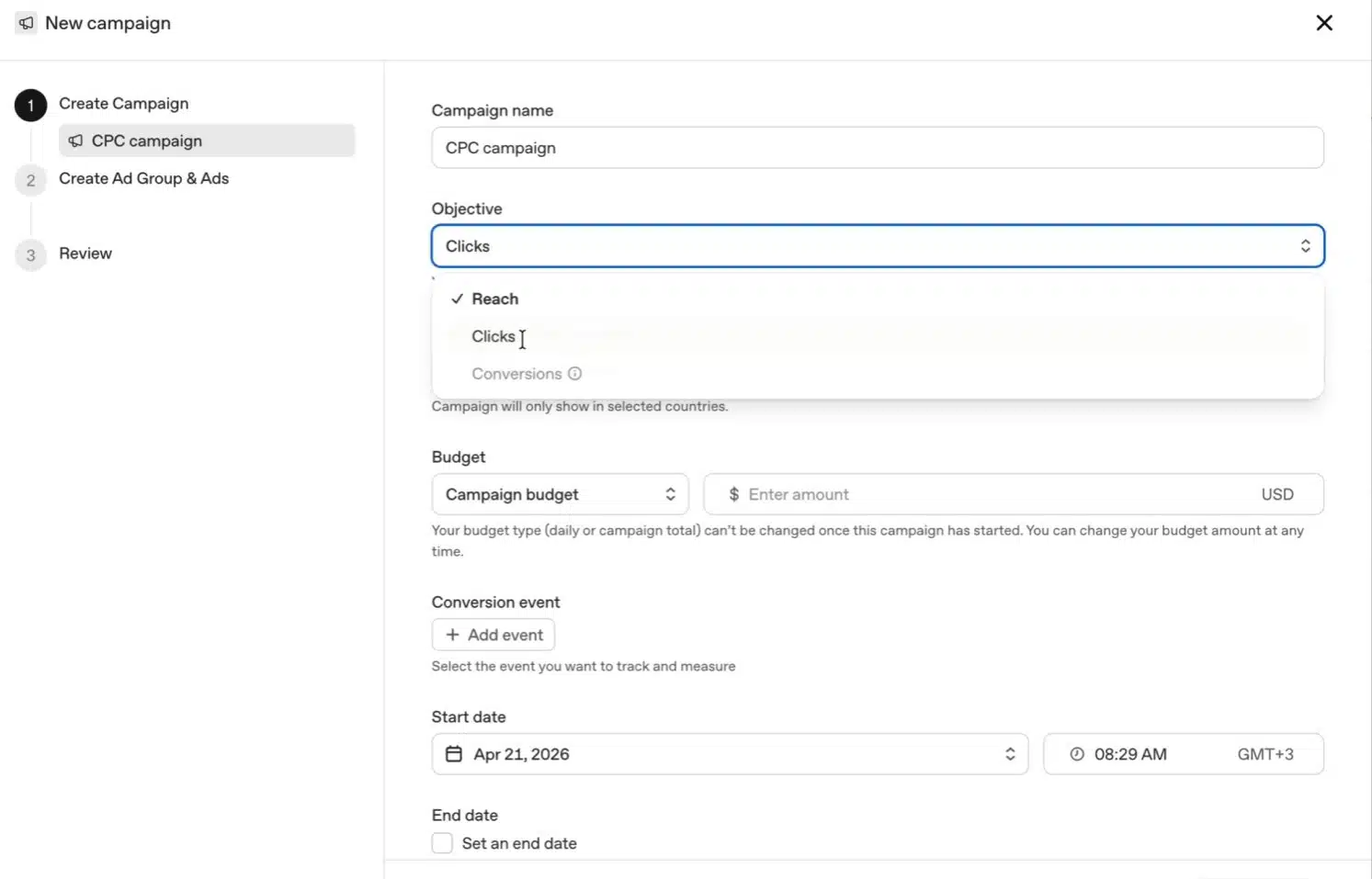
UPDATED: ChatGPT Ads Manager Now Available For Local Services (May 2026)
On Friday, OpenAI quietly shipped state, DMA, and ZIP code geo targeting in the ChatGPT Ads Manager.
Read the play
How to Critique an SEO Report When the Graph Is Always Green
You’re in the quarterly review. Every chart is green, every arrow up, and your booked jobs are flat.
Read the play
New Study Correlates LLM Ranking Heavily With SERP Ranking. Is AEO Just SEO?
You saw the post on Facebook. An industry marketer you’ve followed for a while was announcing their proprietary AI Visibility Engine.
Read the play